Renting a speaker is simple, but most event-day problems trace back to something nobody asked before booking. Work through these steps and the sound will be the last thing you worry about.
Step 1: Size it by guest count and venue
Ignore watt numbers on their own; brands measure them differently. Start with how many people need to hear and where they'll be.
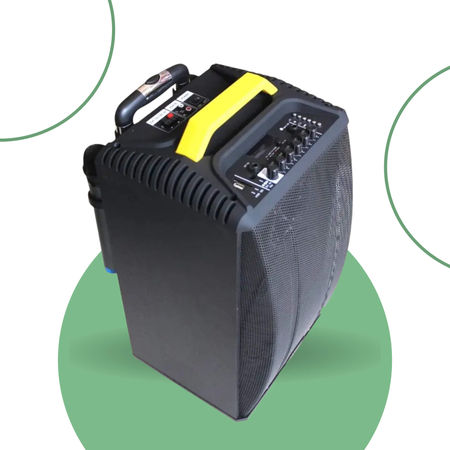
- Up to ~30 guests indoors, background music only: a compact speaker like our 80W Saga.
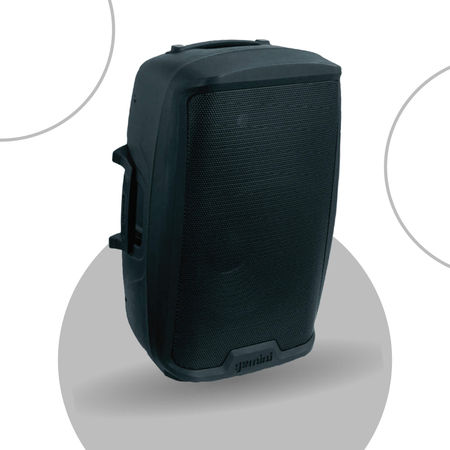
- Up to ~50 guests, with music and a mic: a 100W speaker such as the 10-inch or 12-inch party speaker.
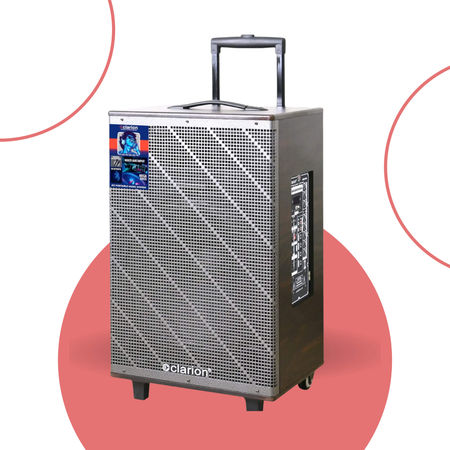
- 50–150 guests, a function with speeches and dancing: a 1000W speaker.
- 150–250 guests, or a large open lawn: a 2000W PA speaker.
Outdoors, sound spreads and fades, so go one size up from the indoor guidance. For more detail, read our guide on how to choose a speaker.
Step 2: Decide who will speak
If anyone needs a mic — birthday wishes, a welcome address, an anchor, karaoke — sort it out before booking, not on the day.
- One person, one spot: a wired mic is enough.
- Two people, or a host who walks around: wireless mics.
- A trainer or performer who needs both hands: a headset or collar mic.
Step 3: Check power and venue rules
- Power point: confirm a working socket within reach of where the speaker will stand. Battery speakers cover short stretches; a 2000W PA speaker needs mains power.
- Apartment or venue rules: many associations and halls have rules on volume and timing. Under India's Noise Pollution Rules, loudspeakers aren't allowed outdoors between 10 pm and 6 am.
- Access: note the floor, lift size and any gate pass the delivery team will need.
Step 4: Book with complete details
A good booking message includes:
- Date, plus start and end time
- Exact address and area
- Indoor or outdoor
- Guest count
- Event type
- Mics needed
With this, we can confirm the right speaker, availability and any delivery charge in one reply. Delivery is free within 10 km of our base in S.G. Palya.
8-hour slot or full day?
Our speakers are priced per 8-hour slot or per full day. An 8-hour slot covers most single-evening events. Choose the full day if setup happens in the morning for an evening event, or if the event runs past 8 hours.
Step 5: Be there for setup
When we deliver, we place the speaker, connect power, pair your phone and test the mic. Have the person who will run the music there, and test with the actual phone and playlist you'll use. Downloaded music on a USB drive avoids depending on mobile data mid-party.
Step 6: During the event
- Keep mics behind the speaker to avoid feedback.
- Raise the speaker to about head height if you can, aimed at the audience.
- Keep drinks and wet areas away from the speaker and its cables.
Step 7: Pickup
Agree the pickup time when booking. Before we arrive, switch off and unplug the speaker, and gather mics and cables in one place.